


Loti-Bot and the Hour of Code
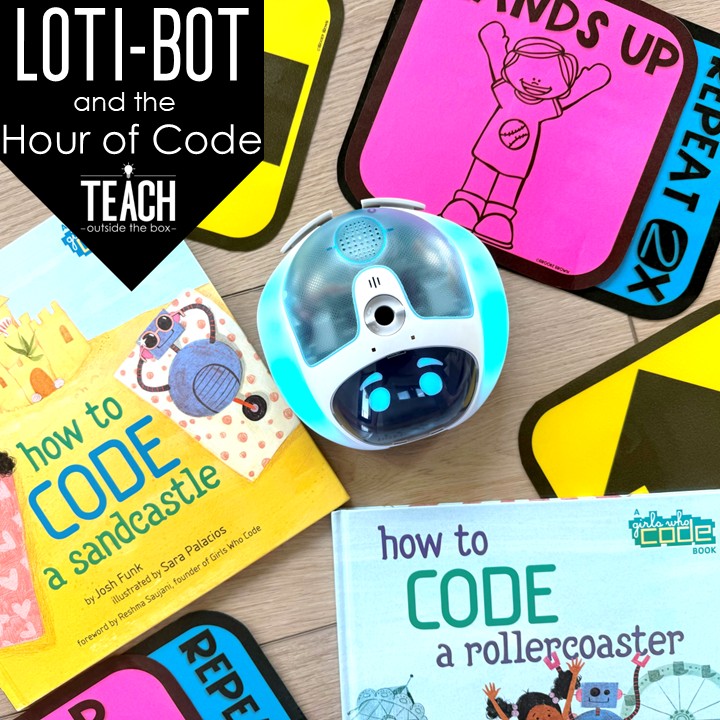
It’s almost time to celebrate the Hour of Code in my early childhood Gifted and Talented classroom! The Hour of Code is the perfect time for students to learn about the foundations of coding, practice programming skills, and explore robotics.
For the Hour of Code in K–2, I read How to Code a Sandcastle, then students act out floor codes with Hop Scotch Coding® and make partner maps with Gingerbread Coding before we try apps and Loti-Bot.
In this post

What is the Hour of Code?
The second week of December is Computer Science Education Week, when students around the world spend a full hour practicing programming in a variety of ways. Code.org now calls its big event the Hour of AI, but the heart of the week hasn’t changed one bit: an hour of hands-on coding! That hour can be unplugged coding activities, coding apps or websites, or coding with robots, and this post has my favorites for all three.
Coding Read Alouds
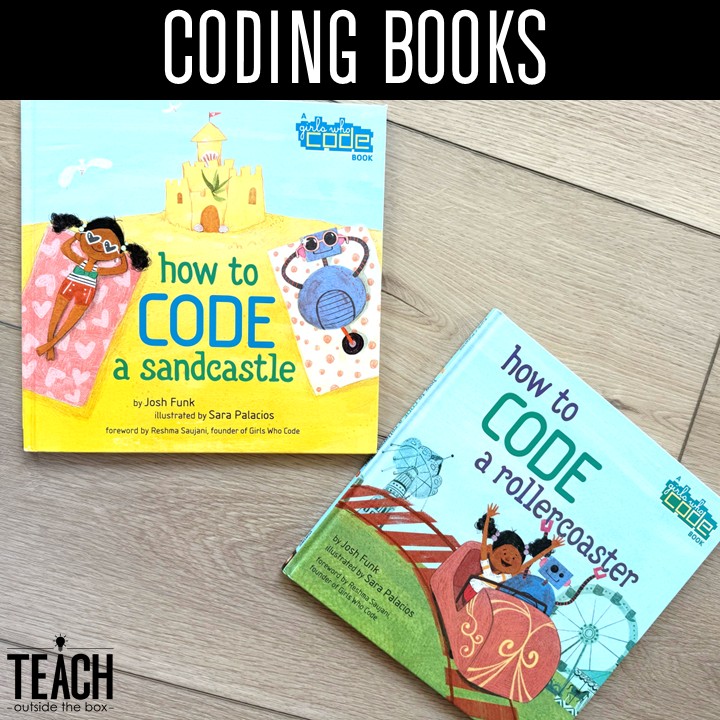
To introduce the concept of coding to my students, I use two read alouds every year. How to Code a Sandcastle by Josh Funk is a smart and creative way to introduce students to the basics of coding. The author compares introductory coding methods – sequencing, conditions, and loops – to the steps of building a sandcastle in a simple, kid-friendly way that is appropriate for even the youngest learners. After reading this book to my students, even my Kindergartners are able to understand basic coding terms as we apply them to apps and websites. How to Code a Rollercoaster features the same characters with a similar storyline, and it’s perfect for second grade and up. This read aloud introduces the coding concept of variables in addition to sequencing, conditions, and loops.
Hop Scotch Coding®
After reading this book, my students play Hop Scotch Coding® to interactively experience sequencing, conditions, and loops. They work in teams to create different sequences of unplugged code on the floor, and then take turns walking through the code and acting out the conditions.


Want them all? The Hop Scotch Coding® BUNDLE on TPT has all 10 in one download.
Unplugged Coding
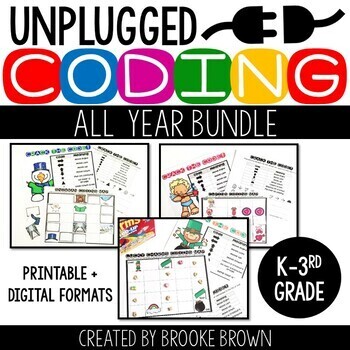
Students can also practice unplugged coding with partners with my FREE Gingerbread Coding activity. One student creates a coding map, then the other student writes the matching sequence of code to help the gingerbread man navigate to the gingerbread house. This activity is a big hit with my youngest learners, and they love taking turns creating maps and writing code. I place the coding sheets inside dry erase pockets so that students can reuse them over and over.

This one is part of the Unplugged Coding All Year BUNDLE on TPT, which puts all 9 together in one download.
Coding Apps and Websites
After some unplugged coding, students are ready to dive into some coding apps and websites! These are a few of my faves:
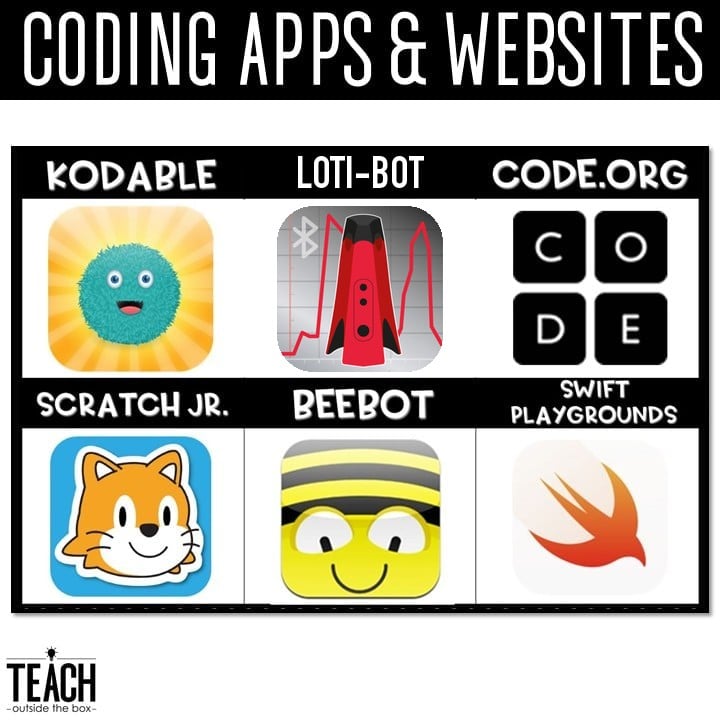
Coding with Loti-Bot
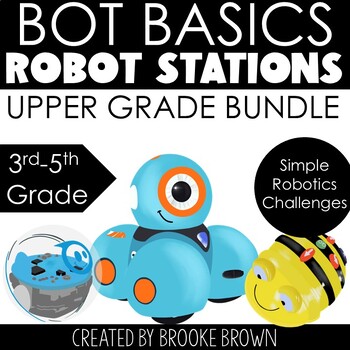
Loti-Bot is a robot that provides the perfect bridge from early coding with Bee-Bot to more advanced programming. Students bring Loti-Bot to life with student-friendly block-based coding in the Loti-Bot app, with a visual format that is similar to Scratch. Loti-Bot can be shared by 2-3 students, and even works with existing Bee-Bot grid mats and supplements.
Here are just a few of Loti-Bot’s features:
- Highly accurate drawing capabilities
- LEDs
- Bumper sensors and Proximity sensors
- Adjustable pen holder (Flair pens fit perfectly!)
- Microphone and Speaker with 20 Pre-loaded sounds
- Buddy Detection Sensor (which detects other Loti-Bots, Blue-Bot and Bee-Bot!)
- Cliff sensor – prevents Loti from falling off the edge of the table
- Graduated Programming Environment.
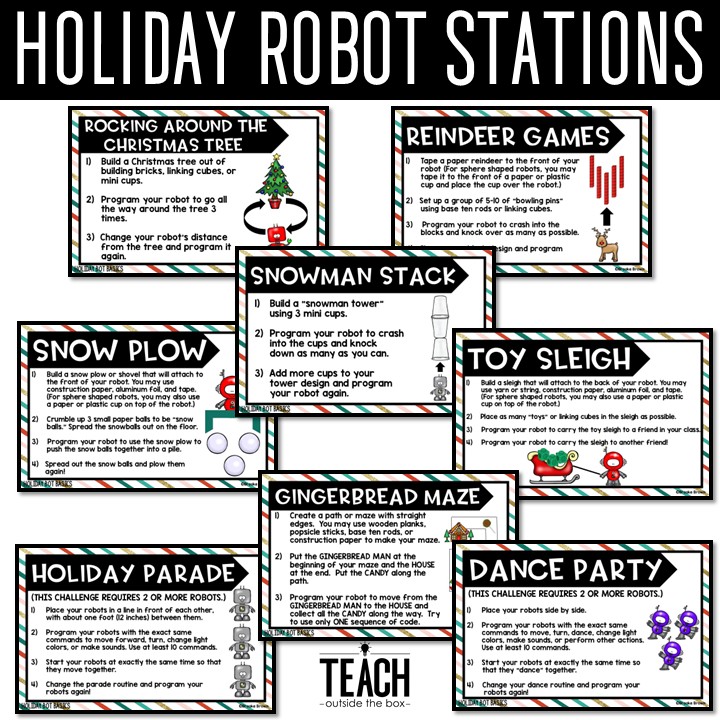
Here are a few of the stations that I set up with Loti-Bot for the Hour of Code. These holiday themed robot stations are FREE in my TPT shop.


Want to use Loti-Bot beyond the Hour of Code? See Loti-Bot Across the Curriculum.
We are so excited for the Hour of Code, and I hope you and your students are too!
More Coding and Robotics on TPT
Ready for more Hour of Code fun? These are my go-to coding and robot sets for December and all year long. Click one to see it on TPT!



This post contains affiliate links. If you buy through them, Teach Outside the Box earns a small commission at no cost to you.